Manga Reading and Management Experience
This article is translated by AI.
Abstract
This article mainly focuses on Japanese manga, but is also applicable to domestic manga, European and American comics, etc.
This article is a detailed guide to manga reading and management. It systematically introduces the whole process from discovering and collecting manga information to final reading and processing. The article first guides readers on how to use websites such as Bangumi and Google to find manga metadata and get recommendations, then compares the advantages and disadvantages of convenient online reading (such as using Mihon) and highly controllable local reading (Perfect Viewer is recommended) and related file management skills. Finally, the article also discusses advanced technologies such as machine translation and AI colorization, and connects all links through a complete example, providing a set of practical methodologies from entry to proficiency for manga lovers.
Resource Transfer
perfect viewer and pdf plugin, comic screen installation package.
Files shared via network disk: Manga Reading and Management Experience Link: https://pan.baidu.com/s/17wTDd8ZwKVV93Co3r4srzw?pwd=xzsx Extraction code: xzsx
Manga Information
Metadata
For a manga, the following metadata is often important.
- Original Manga Name
- Translated Manga Name
- Author
- Publisher
- Number of Volumes or Chapters
- Novel Adaptation/Galgame Adaptation/Anime Adaptation/Doujin...
- Whether Completed
- Series (such as Part 2, Sequel, etc.)
- Sinicization Status (Stopped Translation, All Translated...)
Among them, I think Translated Manga Name and Original Manga Name are the most important.
For the above metadata, if you know the Original Manga Name, then the others are easier to handle. If you only know the Translated Manga Name, then I prefer to find the Original Manga Name first before doing other operations.
Generally, the following three websites can basically retrieve all metadata.
Bangumi is often used to find the first five metadata such as Original Manga Name and Translated Manga Name, and then use Google and Moegirlpedia to find the remaining metadata.
Bangumi has ratings and comments on manga, as well as Chinese or Japanese introductions, which can be referred to.
Recommendation
There are mainly two recommendation methods, one is targeted recommendation based on tags, and the other is random recommendation.
First, let's talk about targeted recommendation based on tags. Finding a platform with accurate and complete tags is the key. I recommend the following.
The first two are in English, but it is not a problem with the help of a translator. The last one is in Chinese, but tag management is not as perfect as the first two.
Then there is random recommendation. I am used to browsing casually on the following two platforms.
One is Japanese and the other is Chinese. The characteristics are that the manga resources are very complete and updated in time. You can find manga you like by browsing casually.
Manga Resource Acquisition
Refer to the answer I wrote before.
Online Reading
Online reading is the most convenient. According to the degree of freedom, there are two ways.
One is a program with built-in book sources, such as CopyManga APP. The advantage is that no extra settings are required, and it works out of the box.
The other is to use software such as Mihon with plugins. Although it is a bit troublesome, it has a high degree of customization, matches multiple book sources, and data can be migrated.
Online reading is suitable for the following needs.
- Try it out and see if you like this manga
- No need to back up manga resources locally
- Manga update progress is fast
Local Reading
Local reading is more troublesome than online reading because you need to organize the functions provided by the platform yourself, but the advantages are also obvious. The data is local, easy to save, and easy to process (such as machine translation).
First is the file naming convention. It is recommended to include at least the following metadata.
- Original Manga Name
- Translated Manga Name
- Whether Completed
- Sinicization Status (Stopped Translation, All Translated...)
But I usually just have a manga name... Search for others when needed.
Secondly, the file format. It is recommended to use the webp format to save pictures, and then use the zip format for packaging. The advantage is that it takes up little space and is convenient for subsequent processing (such as machine translation, colorization, etc.)
Finally, the manga reader. Android recommends using perfect viewer, and then install the pdf plugin to read pdf. If there is a bookmark requirement, it is recommended to use comic screen, because perfect viewer seems to have a limit on the number of bookmarks and cannot customize the name.
If there are epub, pdf, mobi manga formats, you can use a tool I made to convert them to pictures.
Manga Machine Translation
Refer to the article I wrote.
Japanese Manga Machine Translation Experience (0) - Table of Contents
Manga AI Colorization
There are two ways. One is to use qwen-image-edit, with the help of large models, there are online apis and local deployment methods. The advantage is that it basically does not change the lines and the color matching is relatively comfortable.
The other is to use the local tool qweasdd/manga-colorization-v2. The advantage is that home laptops can complete the colorization, but the color matching is very poor and hurts the eyes.
Complete Example
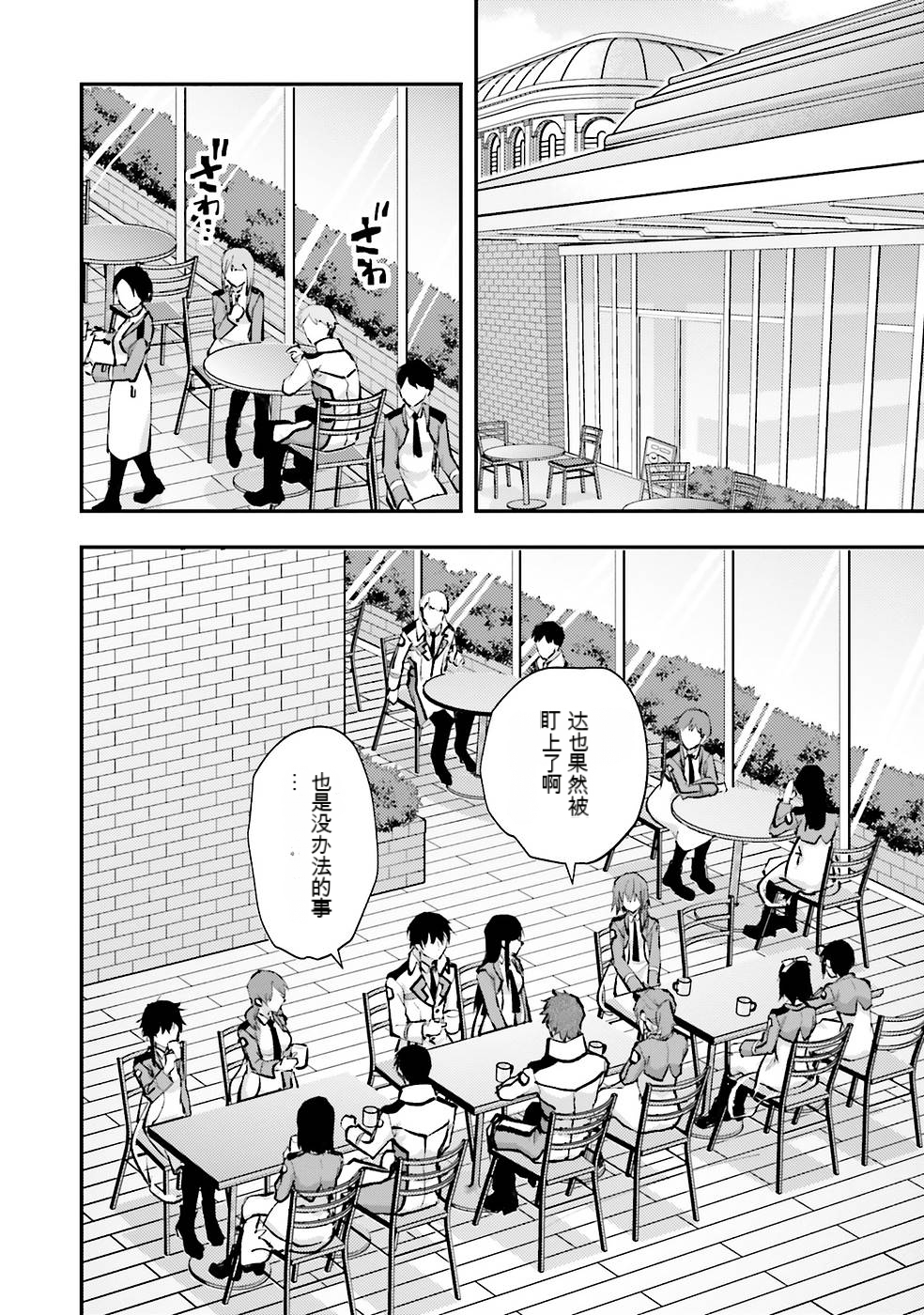
Take "The Irregular at Magic High School" as an example.
This is a manga series, I search with Google first.
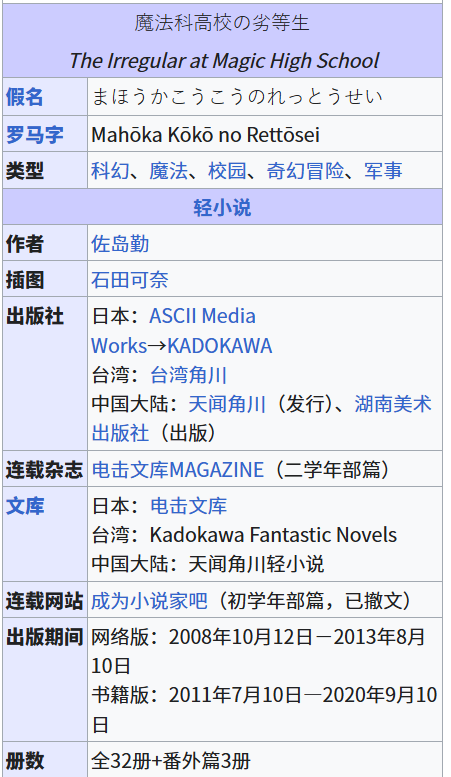
Obtained information such as the Japanese name, but the Chinese Wikipedia is not perfect, switch to Japanese.

Basically obtained all metadata, especially series manga, because this is not complete on Moegirlpedia, and the information is outdated.
If you are interested in the "brother complex plot" of this manga, you can find the corresponding tag on Comick - comick.io and discover similar manga.
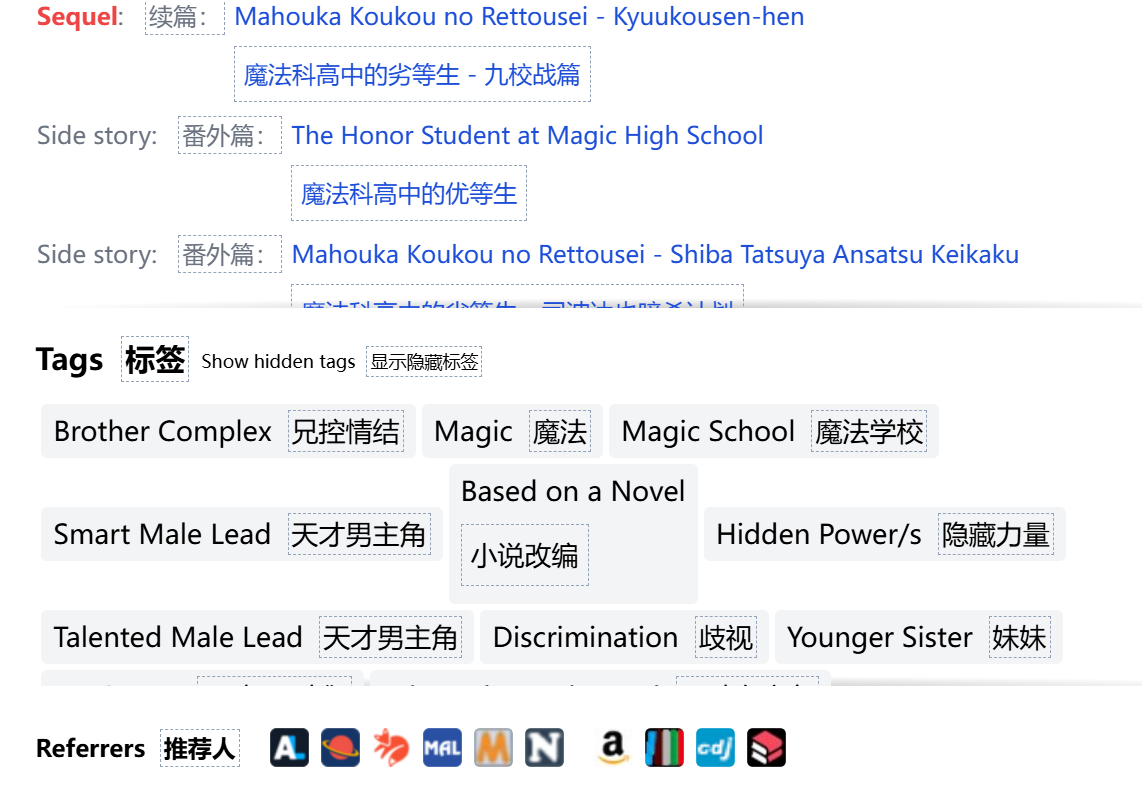
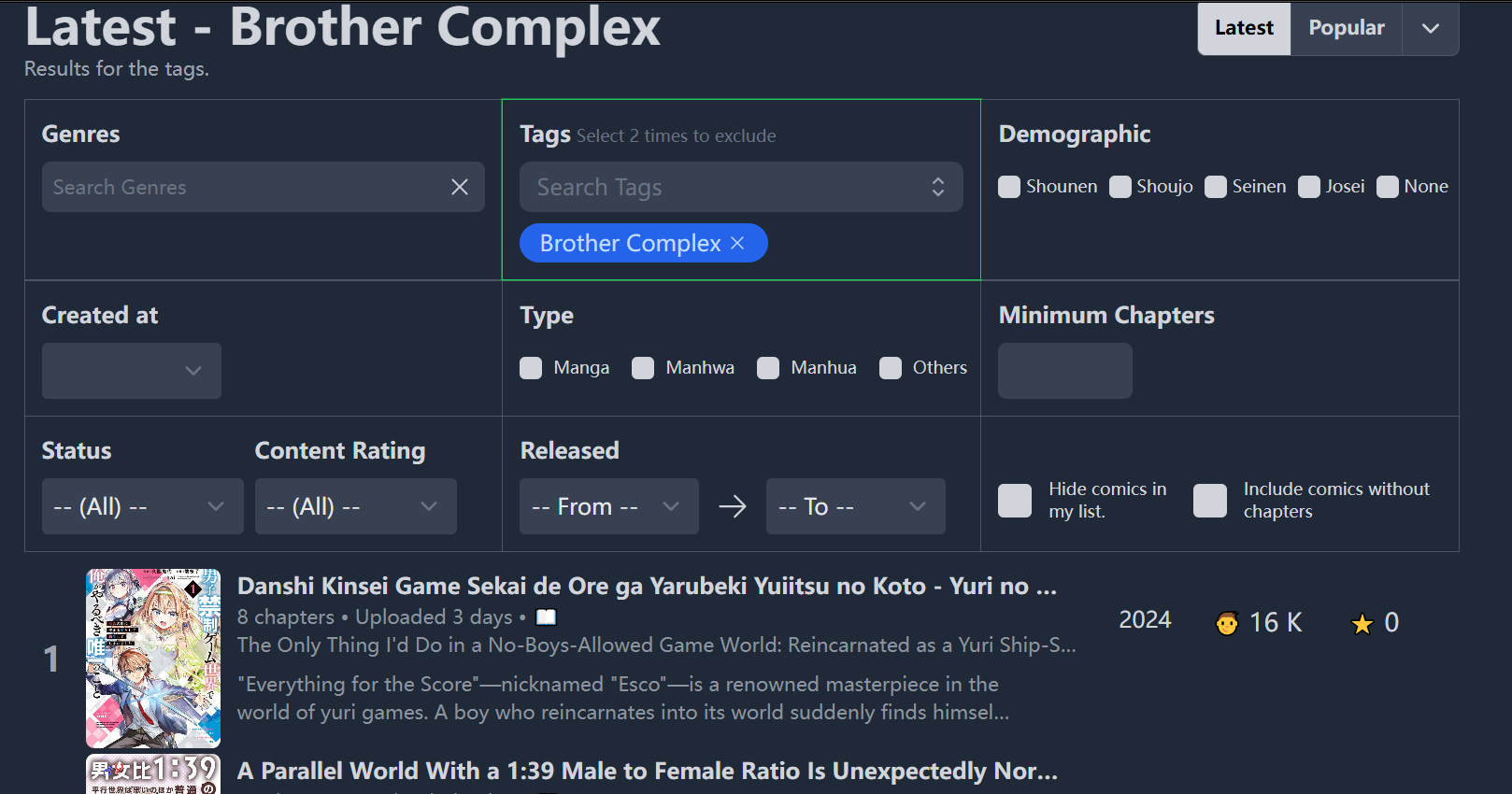
Read online or download to local on Suwayomi.
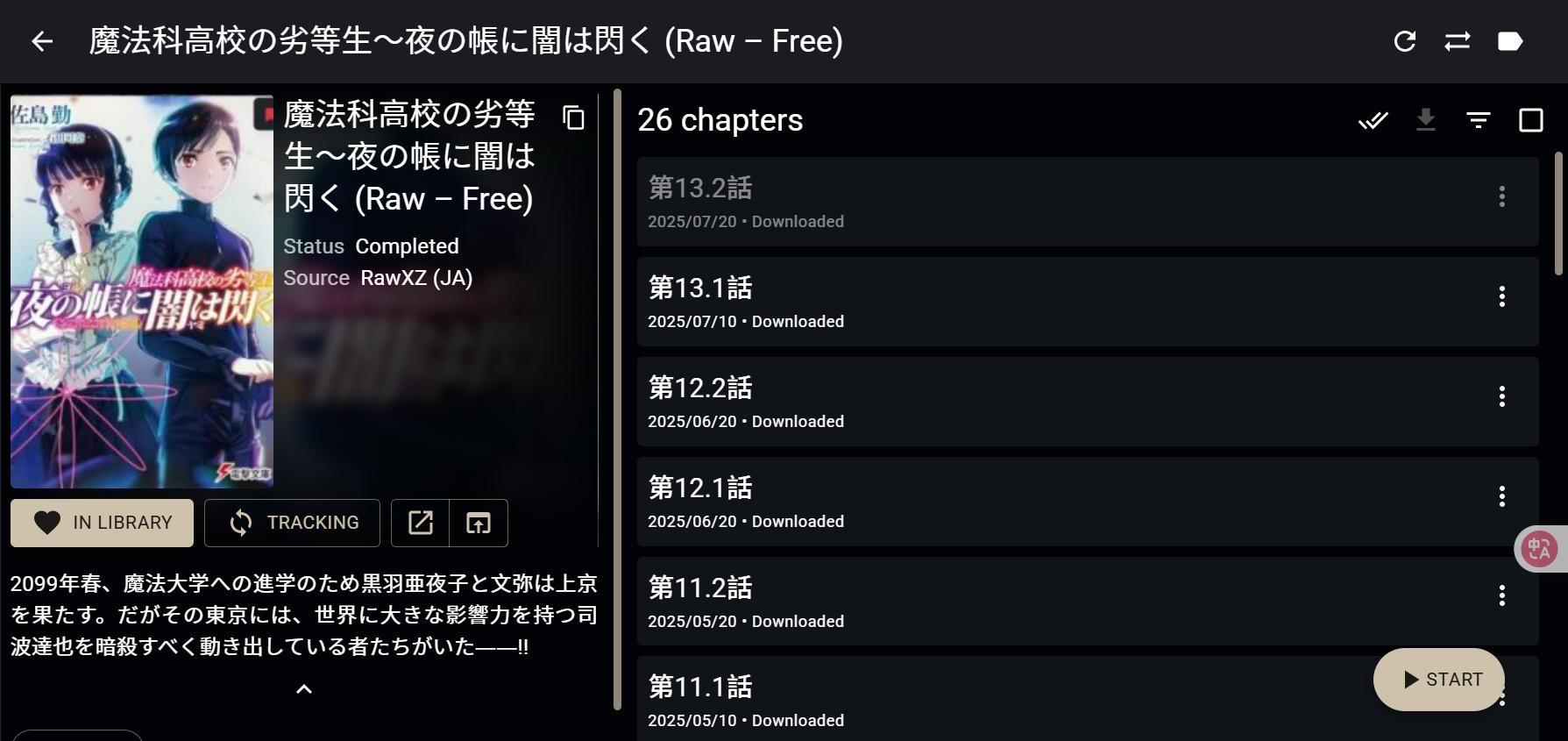
Then machine translate via manga-image-translator.
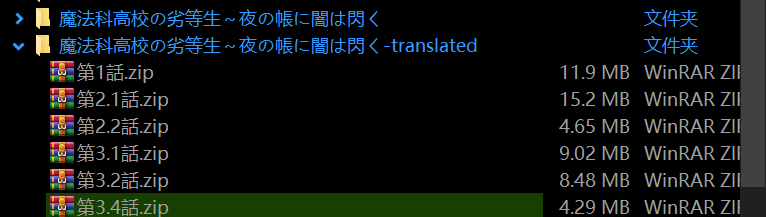
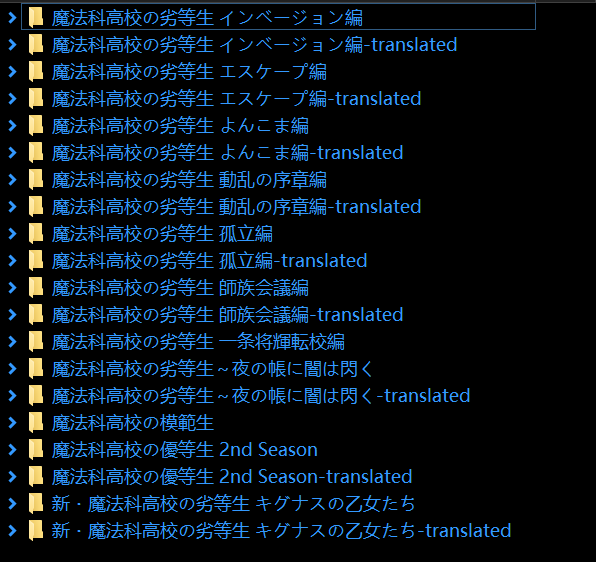

Local files are read using comic screen reader.
Finally use qwen-image-edit for colorization.